
4.9 KiB
🚀 Welcome to Wino Mail
Over the last 5 months I've been working on a huge patch to improve Wino. It's finally here! Lots of good stuff baked into this update with the help of new contributors... Yes, with the help of new contributors because;
🍀 Wino is now open source
Source code has been released to GitHub repository. Previously this was an issue only repository to track issues. Now you have access to the source code. Please check out the Contribution guideline to get started before jumping into the code.
😔 Apologies
Due to the new improvements in the database structure to support some of the improvements and new features, your existing account information won't be migrated to this version. You must re-add your accounts. My sincere apologies :/
Community Contributions
Open sourcing the project allowed many contributors to improve Wino since. Following issues have been addressed by community contributors:
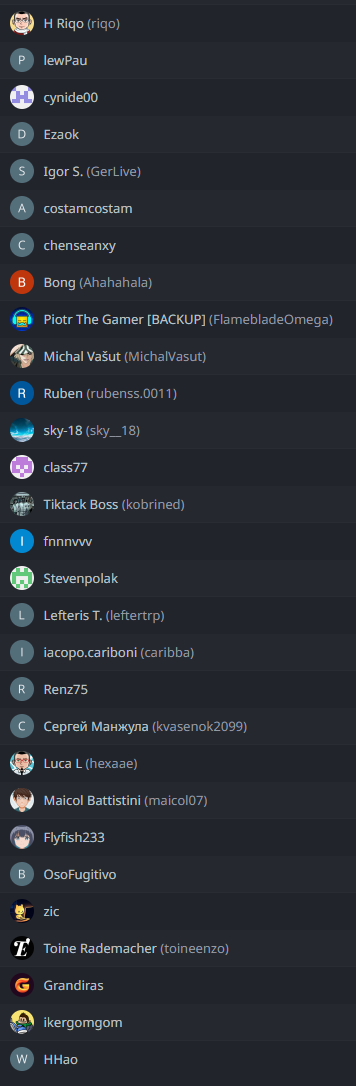
- how02
- chenseanxy
- Tiktack
- Re-implemented signature page to support multiple signatures
- Hide Scrollbars and add glyphs to external links
- Fixed dead zone in title bar in settings to be draggable
- Prevent Unread folder to read All emails automatically Tiktack
- Fix commend bar issues
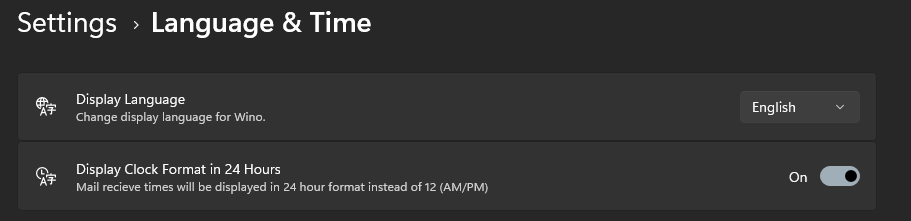
- Language & Time page
- Added support for one click unsubscribe with confirmation dialog
- Fixed scrollbars in a dark theme to be accessible
- Improved attachments UI and added filter option "Has files"
- Search improvements
- Added attachments drag & drop support
📧 Linked Inbox
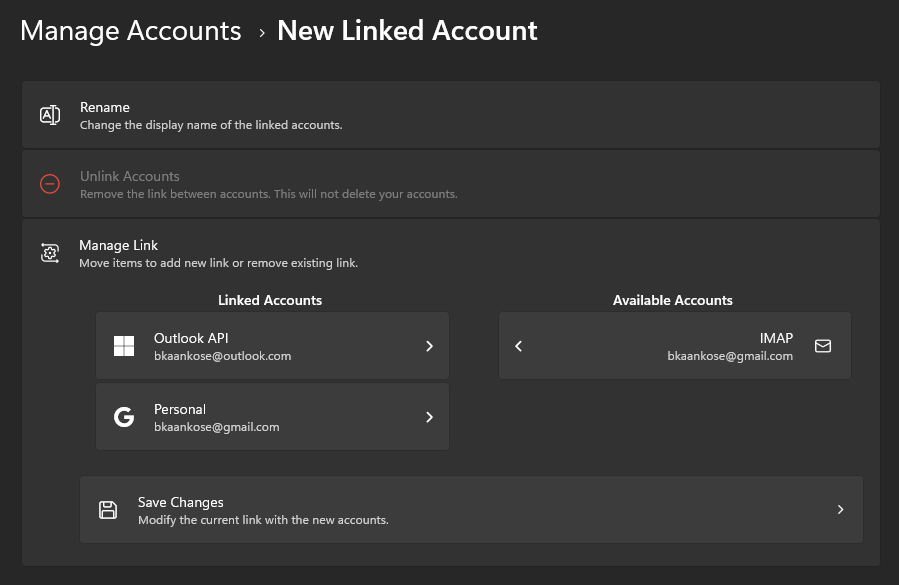
Another feature from the Mail & Calendar is here. You can merge 2 or more accounts into 1 and check common folders like Inbox, Deleted, Spam etc. together! This was one of the highly requested features so far. Give it a try and let me know!
New Menu Navigation System
Wino's nested account-folder menu structure was a hussle for lots of people. Users wanted the old single-click navigation system back from the Mail & Calendars. Therefore, it's implemented in Wino as well. Now you are able to change the account first then the folders will load automatically.
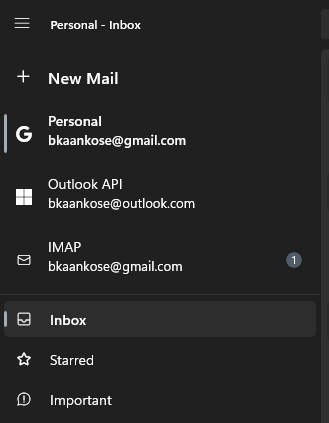
In case of linked inbox, you will have a separate nested menu for each account individually, but common folders that serve the same purpose will be displayed as one.
Multiple Signatures
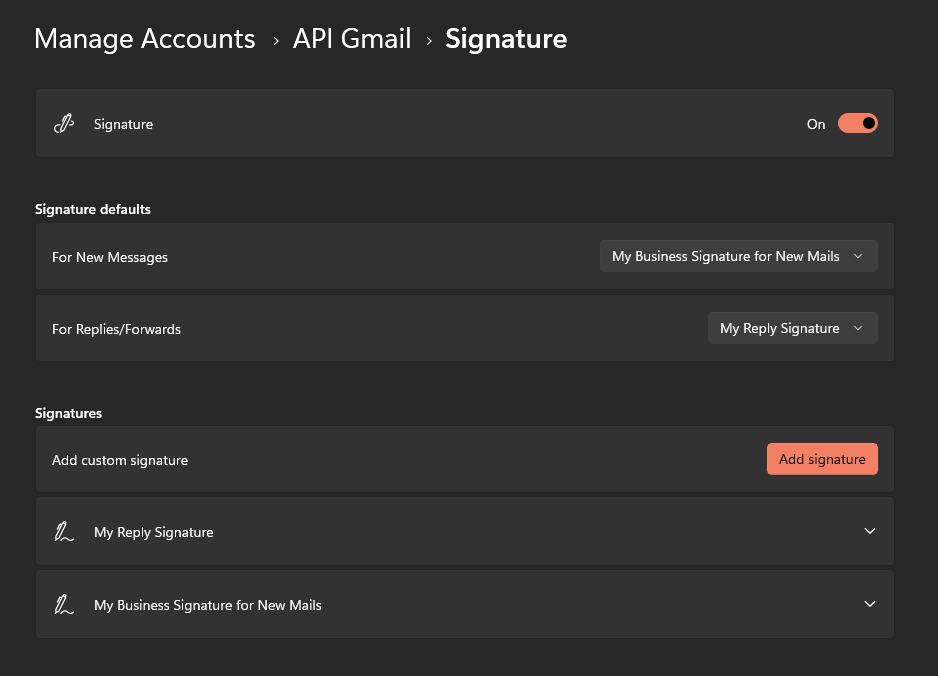
Now you can add multiple signatures to your account. Select different signatures for composing new mails and replies. This per-account feature is available in the account settings page.
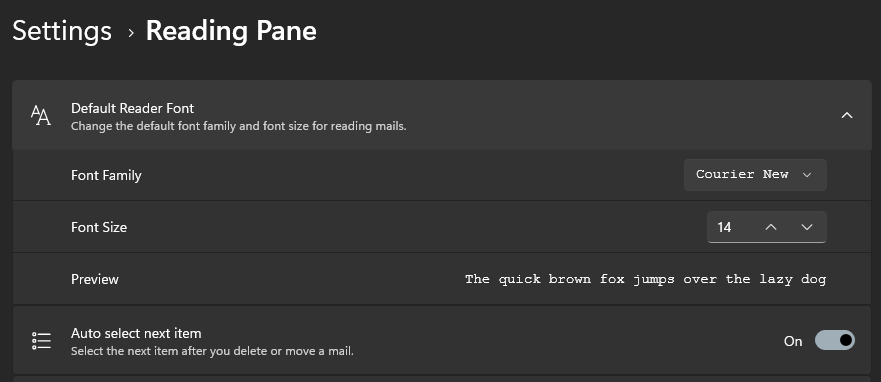
Extra Settings
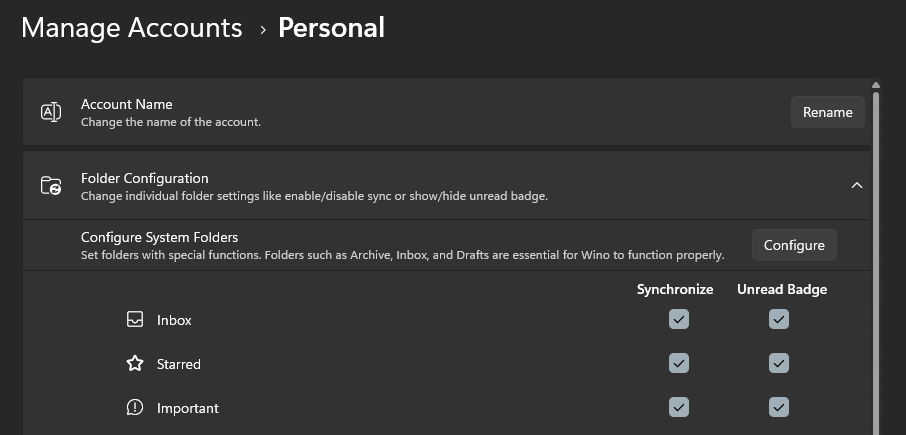
More settings are baked into this version.
Imap Setup Dialog Improvements
Wino has now improved advanced IMAP server setup dialog for those who need more options to connect their IMAP servers. Most of the time Auto settings will work for you, but some servers require additional fields to be configured. Go for it only if you need to.

New Languages
Thanks to our amazing community members Wino now supports 7 different languages:
- Chinese
- Czech
- French
- German
- Polish
- Russian
- Spanish
with the help of Crowdin contributors
Some of the translations are not completed yet, and Wino will fallback to English strings in case of the translation has not been translated yet.