
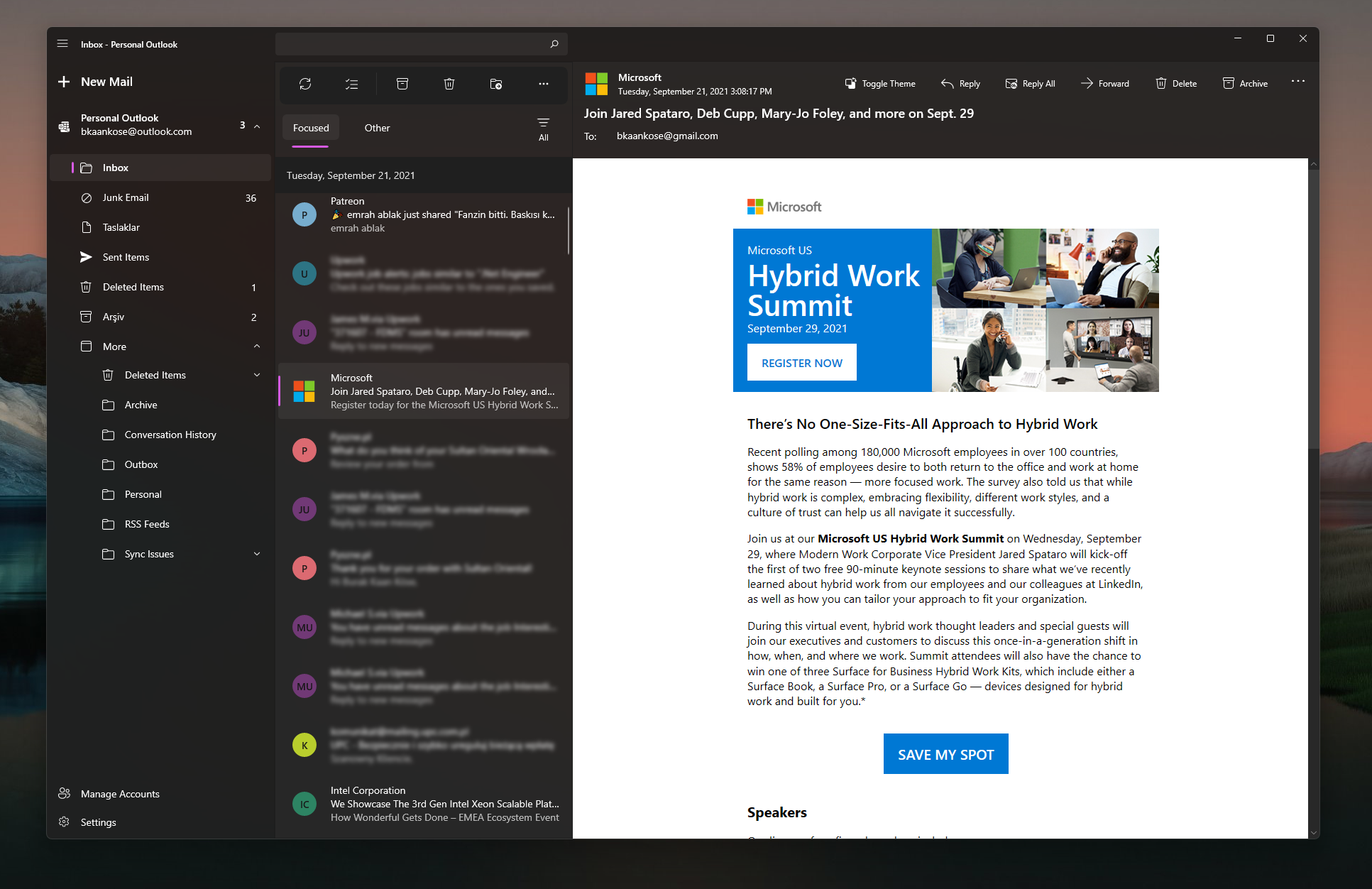
Download Latest Version from Microsoft Store (Preview 1.2)
🚀 New Preview Release 1.2
It's been almost 2 years since I released first preview release for Wino and stopped working on it. During this time I received a lot of good feedback from the community, and that encouraged me to continue working on Wino. As a result, I got back to it and completely refactor almost every part of it. I would like to update the existing Preview release to gather early feedback about the improvements I've made so far:
💡 What's new in this release?
- Gmail integration is finally here! It's been the most wanted feature for Wino. You can now connect your Google account to synchronize folders and mails. Child folder support, renaming & deleting folders, background color & text color for labels, categories (like Social, Forum etc.) are all supported.
- New account synchronization mechanism that supports MIME. Previously Wino was mostly working based on Outlook API since it didn't support any other provider. Synchronization engine has been reworked to support MIME for Gmail and Outlook. This will potentially unlock custom IMAP folders in the future.
- Folder delta sync issues has been fixed. You'll be able to get the updates for the folders that you removed/added after the initial synchronization.
- WebView2 is now rendering all mails instead old WebView. All external libraries are updated in this build to their latest versions, including WinUI 2.8. This enabled Wino to use Chromium based WebView2 rendering for mails.
- Batch requests are supported for both providers. Instead of sending 1 request for each action you take on multiple mails, they are now sent in 1 single (or multiple depending on the provider) request to decrease the network load.
- New background worker makes sure that all your actions are batched properly and executed properly without you even realizing it. This is a good part of the responsiveness in this build, which might also enable offline working feature later on. Offline functionality is not finished yet, and I'm not sure if it's good or bad idea, but it is partially doable now.
- Database schema is reworked from scratch to support Gmail and increase the query performance.
- Listing mails has been reworked to support live updates during synchronization and concurrency issues has been fixed.
- Startup account feature: You can now select which account for to automatically go Inbox folder after launch.
- New animations made Wino more fluid than ever.
- Launch time of the application is improved. Even low-end devices are able to launch and display mails in under 2 seconds, which I call as a success.
- Context menus are reworked. They now rely on the provider you are acting on. Right clicking on a mail in Gmail account won't show "Always move to Focused" option for example.
- Feedback dialog is implemented for quick feedbacks you wanted to share with me.
- Settings will now open as a dialog, instead of right flyout pane. I find it more intuitive with this version. Also disabled not-implemented settings.
- All dialogs are now share a common style to reduce inconsistencies in the design.
- Fixed: Sorting by name does not sort mails for all groups.
- Fixed: Account synchronization is stuck until restart.
- Fixed: Some color compatibility issues with custom themes in Forest and Nighty.
🚫 Disabled functionalities
During this big rework, I had to disable some of the functionality that was not working fully in Preview 1. This is because the changes are so drastic and it is harder for me to make the old code work with the new architecture. Also, I wanted to release new preview version to gather early community feedback about these changes above. Therefore, some broken functionalities in Preview 1 are disabled in Preview 2 completely until the refactoring is done. Here are some of the changes that are not working in this release:.
- Search is disabled. Will be implemented later on with online search functionality.
- Reply, reply all, forward and move functionality for mails are disabled. This is due to big upcoming changes to our HTML editor for composing mails and recent MIME changes. The work is still in progress on this area.
- Creating new mail will not work. Same as the above, requires new HTML editor integration and work is in progress.
- Initial synchronization mail count is capped at 1000 for each provider.
- Outlook will not download MIME content earlier than a year. This is just temporary limitation to speed up initial mail synchronization process for Outlook. Later on this will be removed when this 1000 mail cap removed. Compared to GMail, Outlook initial synchronization is slower. So please be patient for the initial synchronization when using Outlook.
🙌 Big Thank You
I apprecite all the people who gave Wino a try and provided feedback! I am glad to be back to work on Wino again and the community feedback I gather is very positive. I personally thank everybody who kept Wino alive during this 2 years.